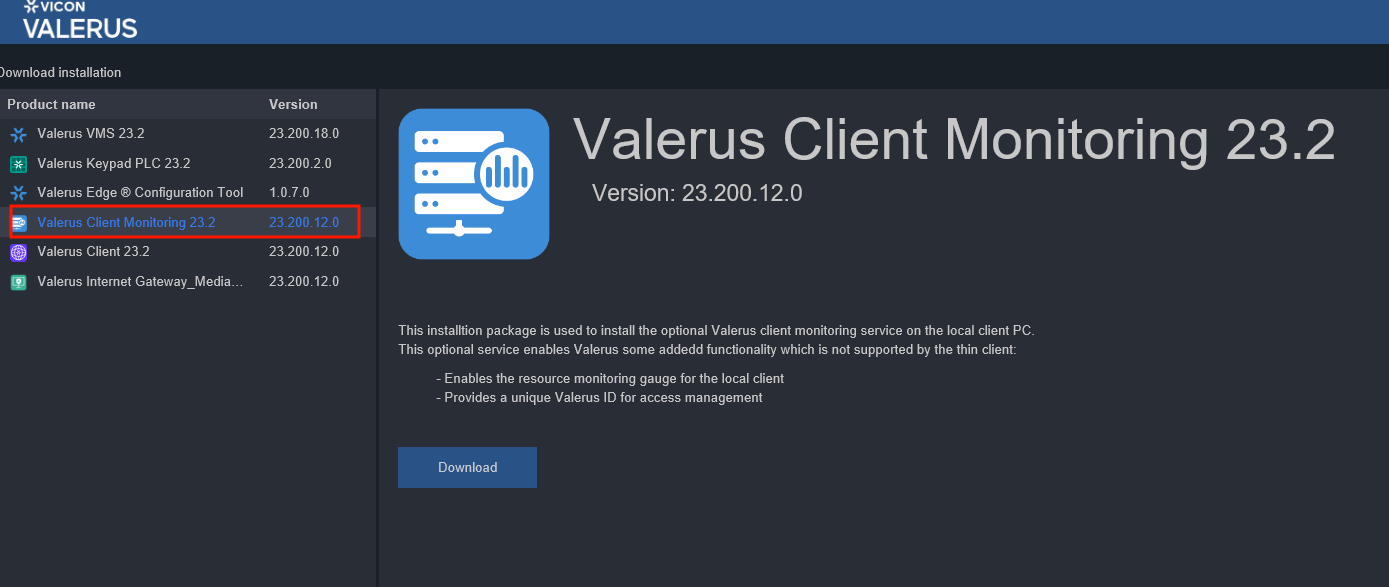
Vicon Industries Support Valerus Systems (hardware and software) Valerus (software) How to enable Valerus ID in a PC client January 03, 2024 13:39 Updated Click on your username account and about Click on Software Installation Page Select Valerus Client Monitoring and press the button "Download" Once the installation is complete, refresh the Valerus web page to apply the changes Related articles Using Valerus with Edge High and Low resolution streams in Valerus. What determines the live view pane resolution views? Valerus - NVR Stuck in communication failure VALERUS , using EDGE Browser new Valerus 22.1 Released Aug 2022 Valerus HALO Integration Guide - Example Video