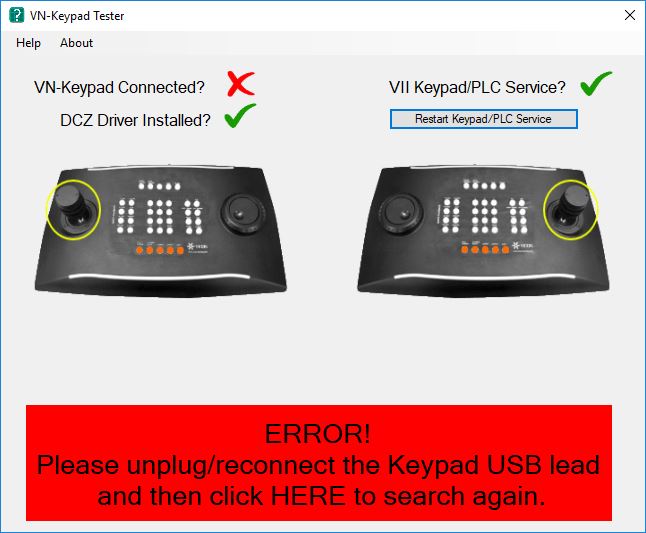
The VN-Keypad is a USB connected controller that needs to be configured correctly to work with Valerus or ViconNet. On most occasions this is fairly straightforward but if it doesn't work the VN-Keypad Tester
can help to diagnose the problem. Additional help is provided within the software.
It can be downloaded from here: ftp://ftp.vicon.co.uk/Valerus/Tools/VN-Keypad%20Tester%20Setup.exe
On rare occasions, you may see Joystick commands without anyone touching the Keypad. If this occurs follow the Instruction Manual to recalibrate the Joystick.
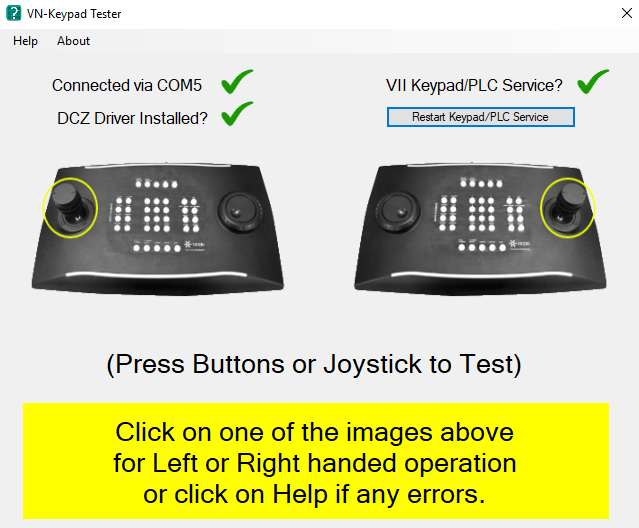
If the VN-Keypad Tester shows an Error message like the one below. Unplug the USB cable - reconnect and restart the test tool again. If it still doesn't work please follow VN-Keypad - Non Operational